Windows
RECOMMENDED
Windows Setup
Standalone + VST3 installer — recommended
DOWNLOAD SHA-256 checksum
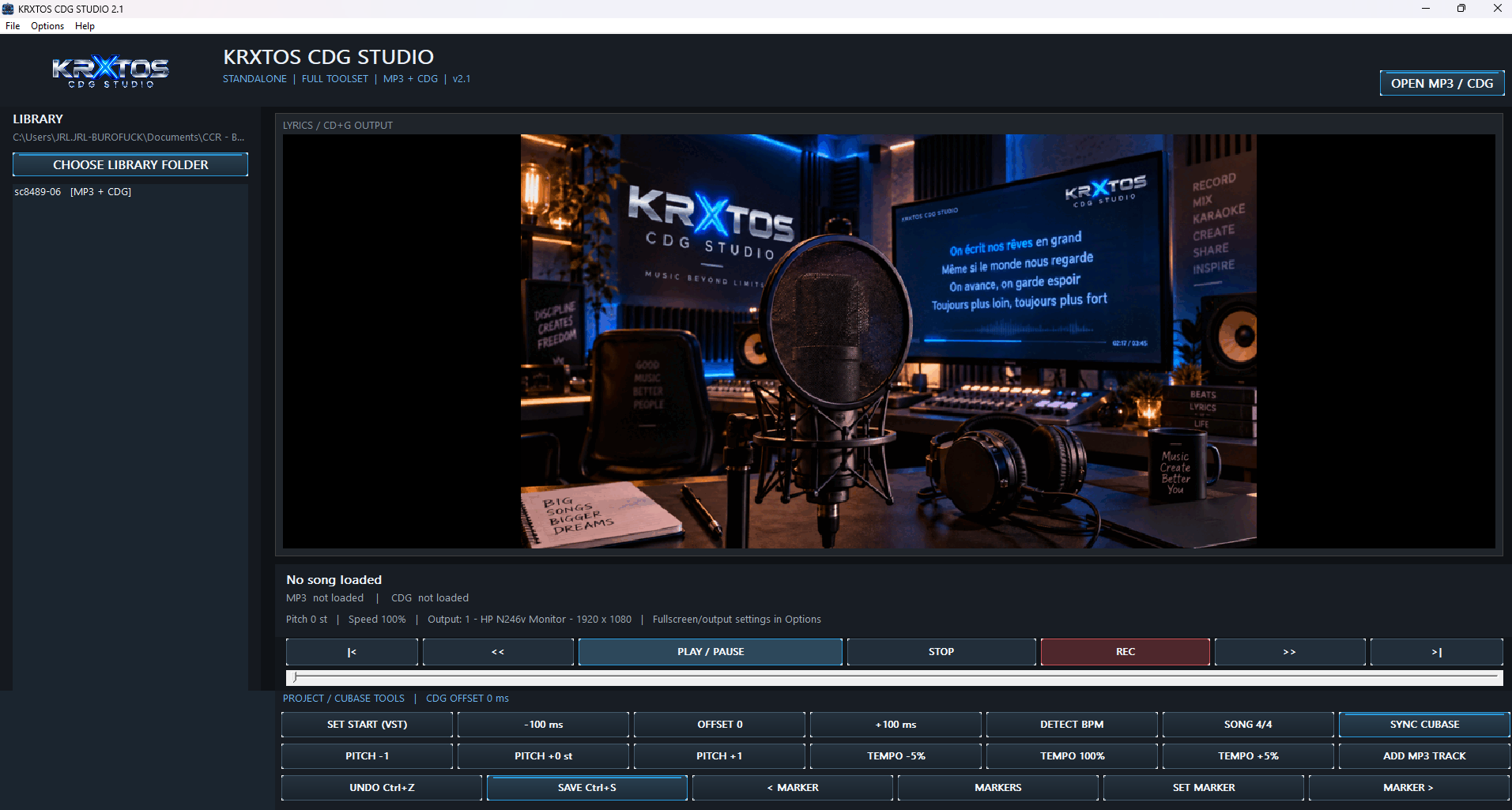
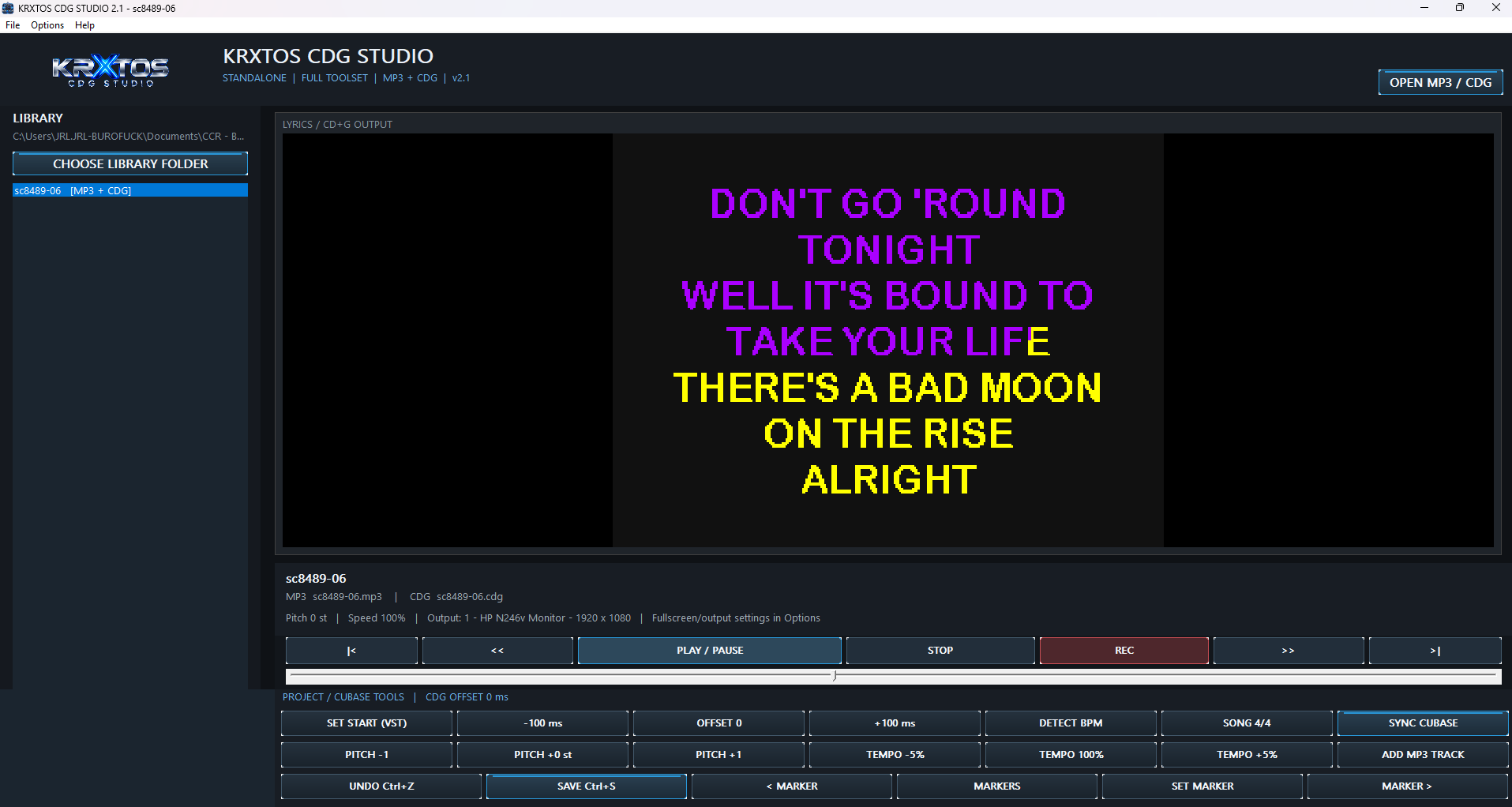
KRXTOS CDG Studio turns MP3+G/CDG karaoke files into a practical vocal recording workflow. Run it as a Windows x64 Standalone application or integrate it into Cubase through the VST3 plugin. Send synchronized lyrics and useful performance information to a dedicated external display so the vocalist can remain in the booth instead of constantly returning to the recording console. Record vocals over songs from your karaoke library, control pitch and tempo, keep both hands free and leave printed lyric sheets behind. For home studios it creates a more natural recording environment. For professional studios it reduces repetitive operator handling and helps preserve valuable studio time for recording, editing and production. macOS version coming soon.

Version 2.2.1 — validated release packages served directly by KRXTOS.
Standalone + VST3 installer — recommended
DOWNLOAD SHA-256 checksum64-bit validated ZIP
DOWNLOAD SHA-256 checksumCDG Studio 2.2.1 currently ships for Windows x64 as Standalone + VST3.
KRXTOS CDG Studio brings your karaoke library, synchronized lyrics and vocal recording workflow together so technology stays out of the way of the performance.
Load music from your MP3+G/CDG library, follow synchronized lyrics and record your own vocal performance in a workflow designed around the singer rather than around the computer.
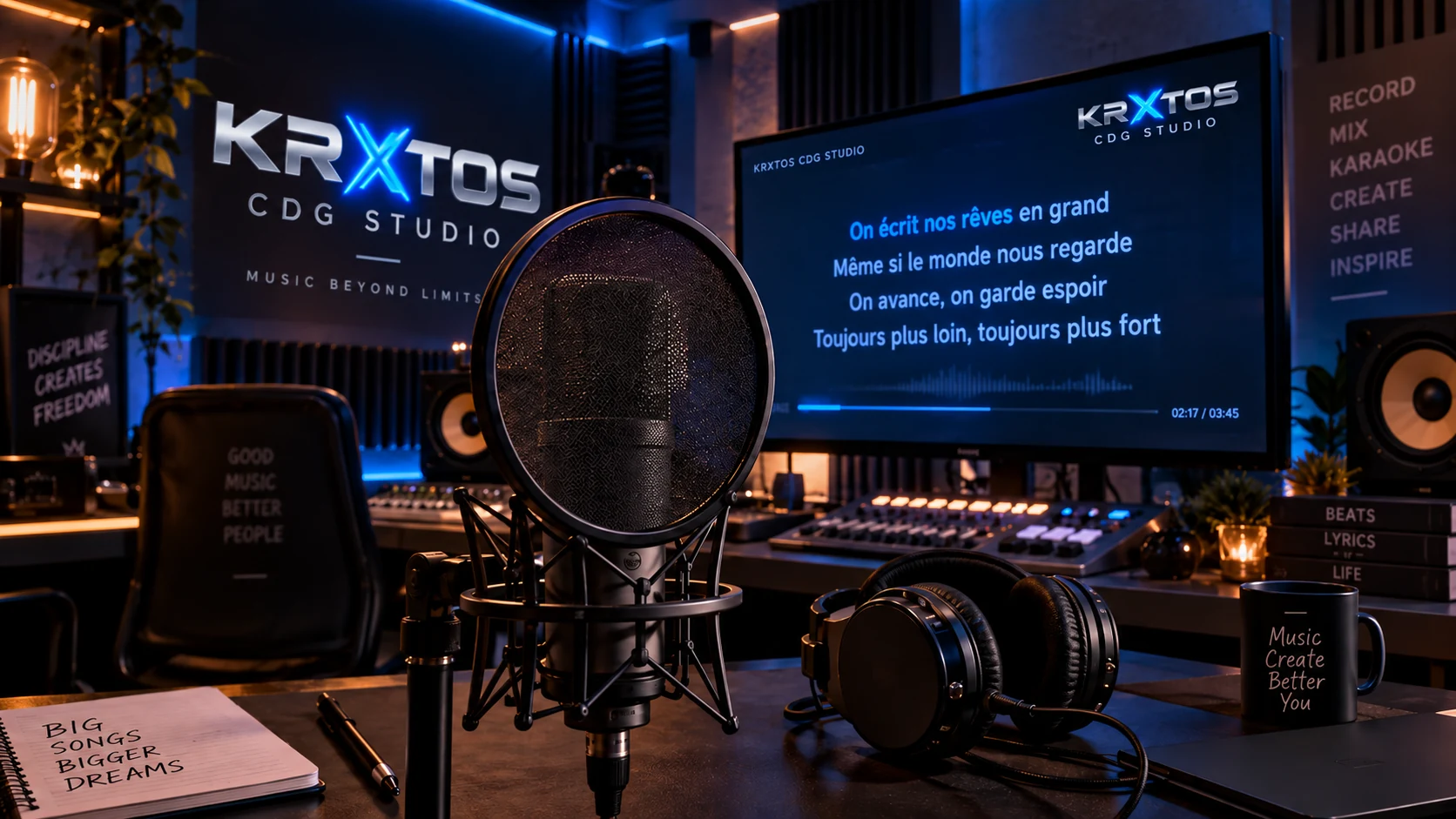
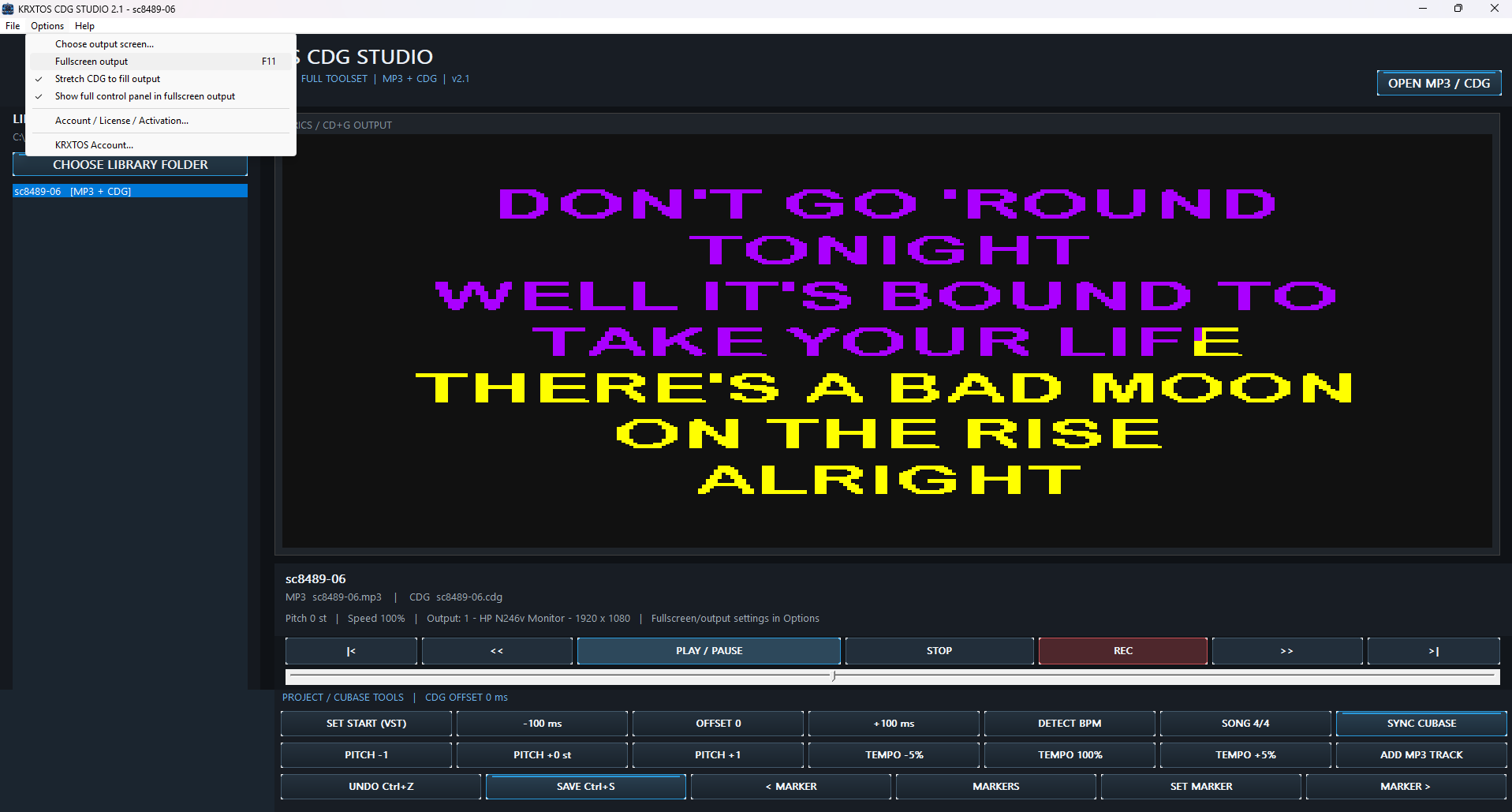
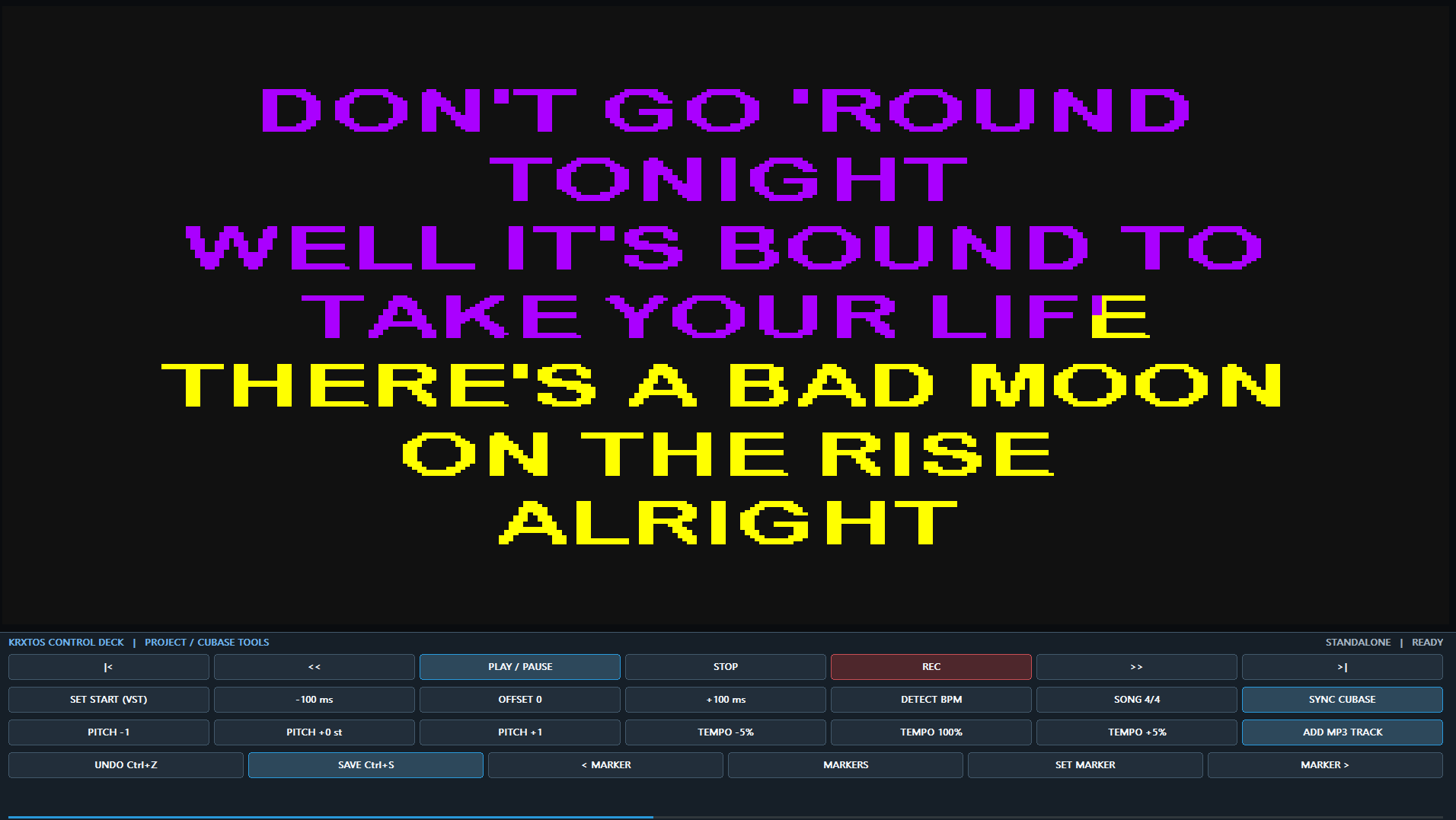
Send lyrics and useful performance information to an external display positioned directly in the vocal booth. The singer no longer needs to stare at the main recording workstation.
No lyric sheets to hold, no notebook balanced beside the microphone and no handwritten pages to turn during a take. Lyrics remain synchronized on screen so both hands stay free and attention stays on the performance.
Digital lyrics can also reduce routine printing and unnecessary paper waste during rehearsals and recording sessions.
The KRXTOS CDG Studio VST3 plugin brings the karaoke workflow into Cubase so the DAW can remain at the heart of the recording session.
Playback, synchronized lyrics and the vocalist's working environment can stay accessible while the engineer concentrates on recording, monitoring and production.
Build a dedicated vocal area without putting the entire Cubase workstation in front of the microphone.
Practice, record multiple takes, work on pitch and tempo and follow lyrics naturally from a screen placed where the singer actually needs it.
A client who wants to record a vocal demo should spend the session singing, not waiting while the operator repeatedly manages lyrics and routine playback tasks.
A more autonomous vocalist can mean fewer interruptions for the engineer and a smoother session from song to song.
Every repetitive task removed from a session leaves more time for recording, editing, mixing and working with the client.
KRXTOS CDG Studio is designed to reduce unnecessary operator interaction and help turn routine setup time into productive studio time.
Use KRXTOS CDG Studio as a dedicated Windows x64 application for karaoke playback, rehearsal and vocal practice.
Keep Cubase at the center of your production while KRXTOS provides synchronized CDG lyrics and a vocalist-focused workflow.
KRXTOS CDG Studio for macOS is currently planned and coming soon.